
Star Citizen Twitch Drops: Earn a free Phoenix display during our community stream
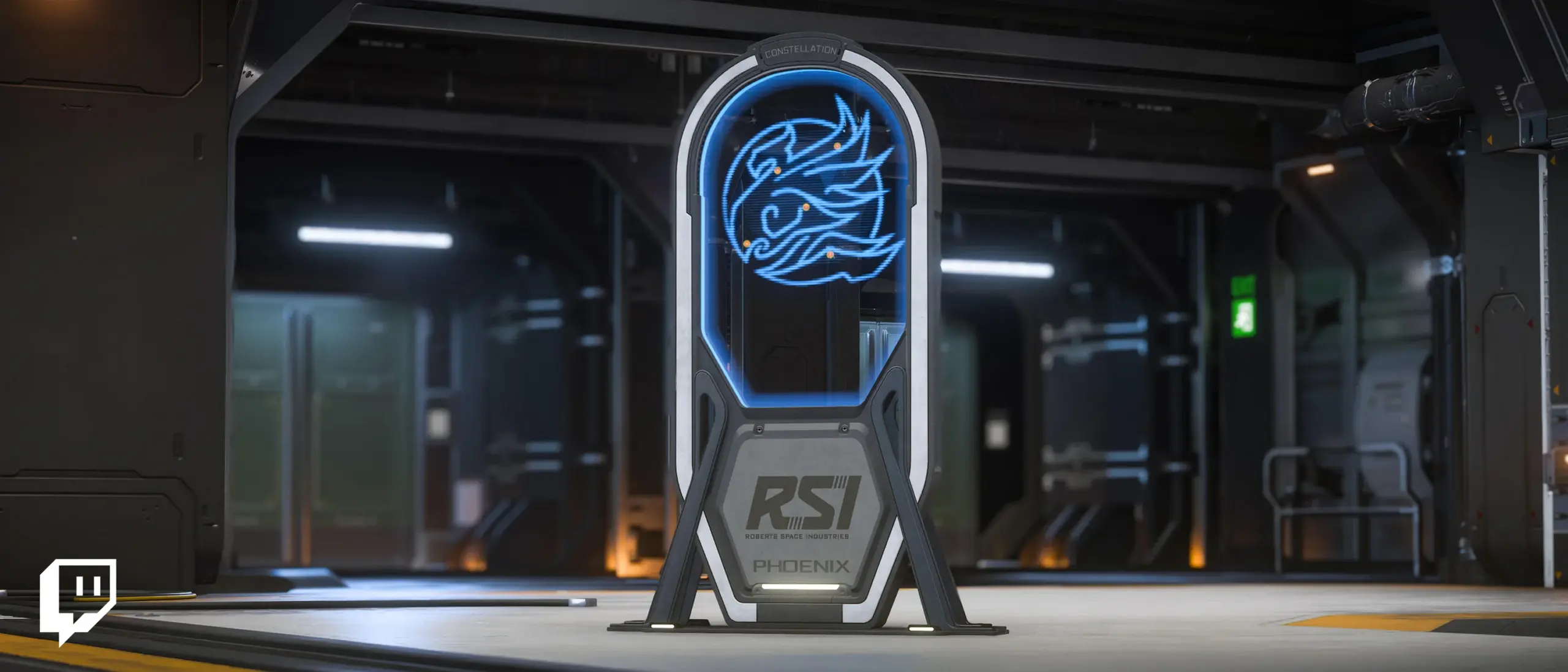
From 14 October, you can earn Star Citizen Twitch Drops just by watching. Come join me: possibly for a spontaneous stream on Friday, 16 October, and definitely on Sunday, 18 October from 14:00 German time for our Star Citizen community Sunday!
What can you earn during RSI Discovery Month?
The campaign runs from 14 to 27 October 2026. Watching Star Citizen livestreams with Drops enabled for a total of four hours lets you unlock the Phoenix Insignia Display for free. This holographic decorative display is inspired by the Constellation Phoenix emblem and brings a piece of RSI history into your hangar.
No paid Twitch subscription or Prime Gaming membership is required for this viewing reward. You need a Twitch account and an RSI account, linked to each other.
When can you earn Drops on my stream?
- Friday, 16 October: I might stream Star Citizen spontaneously. This stream is not guaranteed – stop by if I am live.
- Sunday, 18 October, from 14:00 German time: Definitely our Star Citizen community day! I will stream for at least four hours so you can collect the required watch time with me. We will explore the Verse together and tackle new tasks.
Your watch time counts towards the reward during my Star Citizen streams with Drops enabled. Look for the “Drops enabled” notice on Twitch. Come along and earn your free Drop while watching!
Join me on Twitch: StrawberryWolfTV ↗
Step 1: Link Twitch and RSI once
- Sign in to the RSI website with your Star Citizen account.
- Open your profile at the top right and select Account Dashboard.
- Go to Settings, then Linked Accounts.
- Select Twitch, sign in with your Twitch account and confirm the link.
- Check that your Twitch account now appears among your linked accounts on RSI.
Step 2: Watch while signed in
Sign in to Twitch and watch a Star Citizen livestream with “Drops enabled”. You need a total of four hours for the Phoenix Insignia Display. Track your progress in your Twitch Drops inventory.
Step 3: Claim the completed Drop
Once you have reached the required watch time, open your Twitch Drops inventory and click “Claim” on the completed Drop. The reward will then be assigned to your linked RSI account. Delivery may take a little time.
New to the Verse? You are welcome!
Community Sunday is for new players too. Come into the stream, ask questions and get to know the Star Citizen universe with us. Friday is a possible bonus evening; Sunday is our confirmed community day.
View the current stream schedule · Discover Star Citizen & Crusader Services
Official image: © Roberts Space Industries / Cloud Imperium Games. The artwork is used unchanged and is not my own creation. This article is an independent community announcement by StrawberryWolfTV.
Source: Official RSI announcement “Twitch Drops: RSI Discovery Month” ↗ · RSI Twitch Drops help ↗
Updated: 13 October 2026. Campaign period: 14–27 October 2026. Sources are linked at the end of the article.